 Bezier
If this is your Illustrator file, welcome home.
Every vector artist started here. The pen tool felt like a trap. The handles had opinions. The undo history went to 847.
"It's basically a circle"
The node count says otherwise.
"Where did that handle go?"
Somewhere in the shadow realm.
"Just one more click"
That was click number 2,847.
It's not talent. It's not software. It's one mental model you haven't been taught yet.
One ellipse. Eight weeks. Infinite vectors.
Watch how every illustration in the course begins with a single shape — then watch it become something you'd actually put in your portfolio.

Marcus Webb
Senior Illustrator, 12 years in the field
"I spent three years afraid of the pen tool. Then I learned it's not a tool — it's a conversation between two points. Once you get that, everything changes."
The curriculum, week by week
01–02
The Pen Tool, Demystified
Anchor points, handles, and direction — the three things nobody explains clearly. You will.
03–04
Shape Grammar
Every complex illustration is just simple shapes talking to each other. Learn the language.
05–06
Color Systems & Botanical Palettes
Flat color, gradient fills, and the science of making a leaf look alive without Photoshop.
07–08
Client-Ready Output
SVG, EPS, PDF, PNG — what they mean, when to use each, and how to never send the wrong file again.
Real students. Real weeks. Real portfolios.
These aren't cherry-picked outliers. This is what happens when the pen tool stops being the enemy.

"Week 2 and I already stopped tracing stock icons. My manager asked who made the new logo."
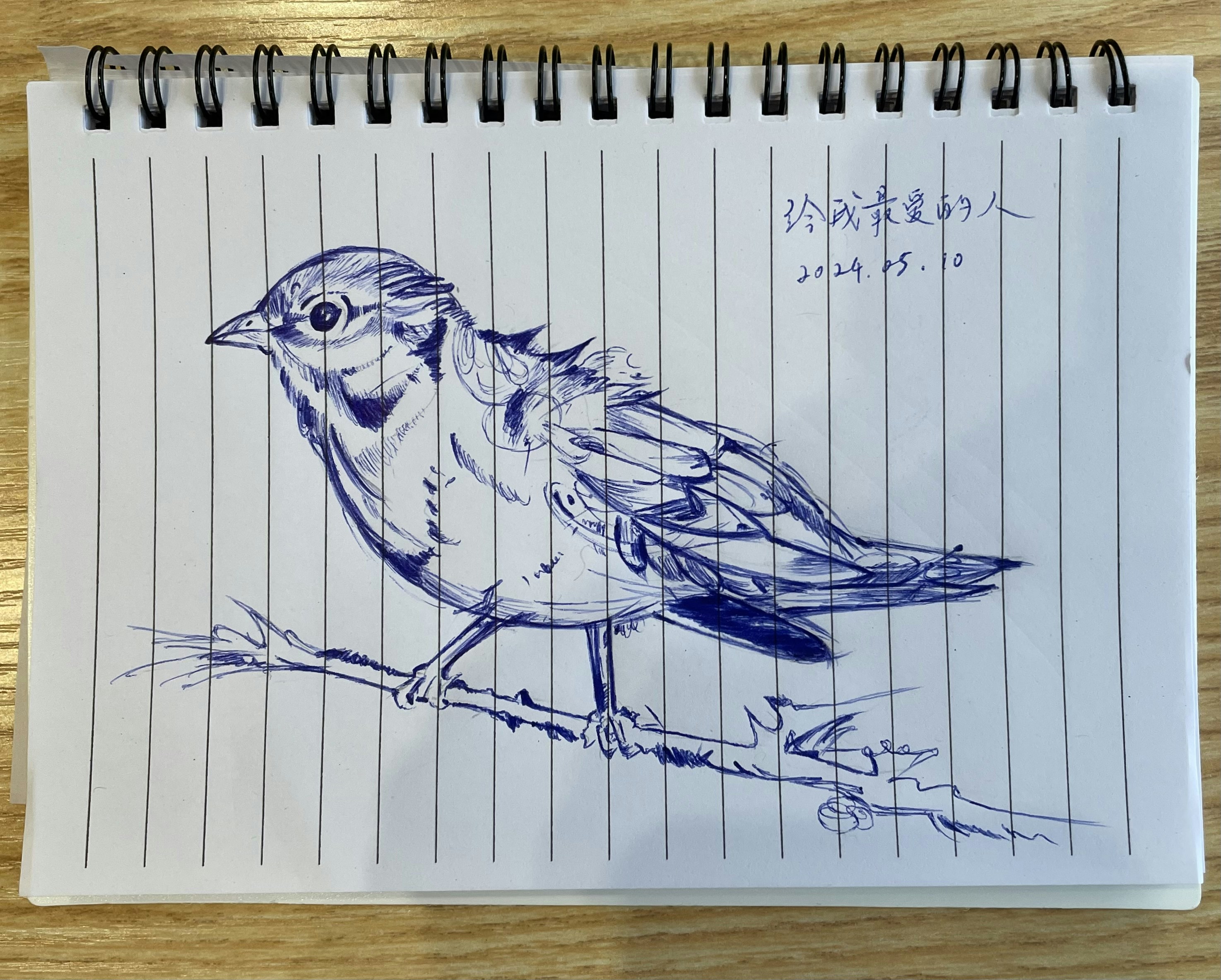
"I sketched birds for years. Now I make them in Illustrator and they actually look like my sketches — but better."

"I just quoted my first project as a vector illustrator. Client said yes without negotiating."
The pen tool isn't your enemy. It never was.
Drag the three handles below. Watch a geometric flower bloom in real time. This is what Bezier teaches — and you're already doing it.
Ready to stop tracing and start building?
The sketchbook is blank. Every color is still sharp.
Next cohort starts soon. Two sessions available — pick the one that fits your life.
Free Anchor Point Cheat Sheet
The one-page reference every vector beginner wishes they had on day one. Handles, directions, corner vs smooth — all of it.
No spam · Unsubscribe anytime
- 8 live sessions (2hrs each)
- Lifetime access to recordings
- Private community of students
- Weekly critique & feedback
- Starter asset pack (200+ shapes)
- 1:1 office hours with Marcus
If you show up to the first two sessions and it's not for you, we'll refund every penny. No questions.
The artboard is blank. The pencils are sharp.
Eight weeks from now, you could be the designer who made that.